PHP2Shell: two critical PHP flaws and what they mean for your WordPress site
On 21 October 2026, PHP shipped emergency patches for two critical flaws known as PHP2Shell. Updating plugins does not help: the PHP on your server needs updating. Here is what to check and what to do.
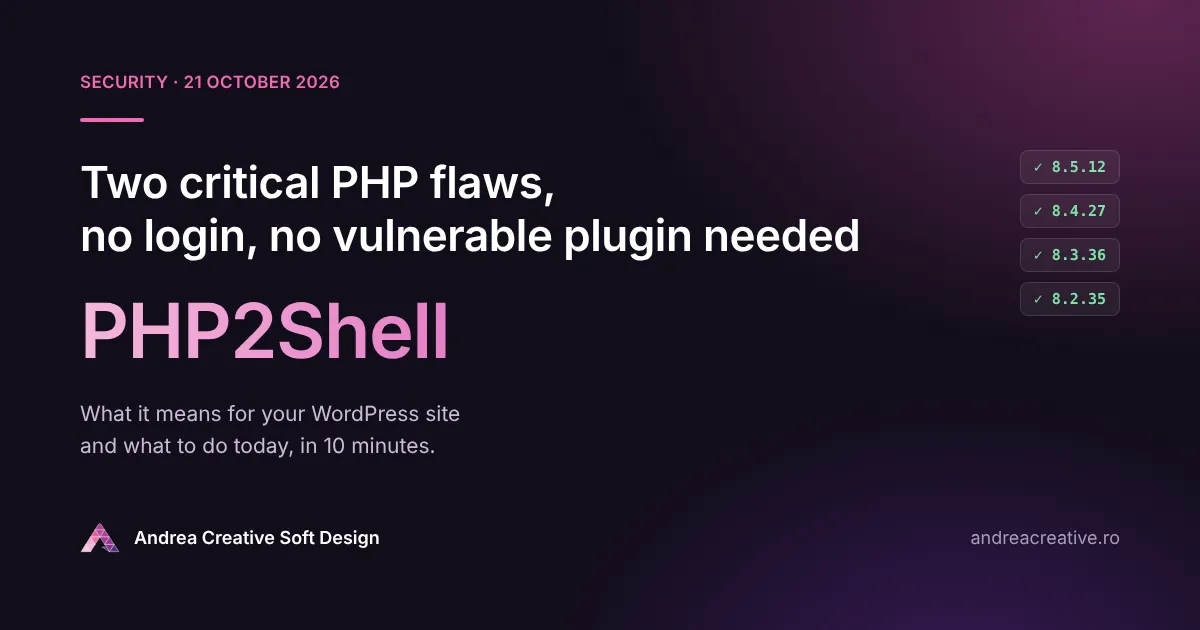
Today, 21 October 2026, the PHP team released emergency updates for two critical vulnerabilities known together as PHP2Shell: CVE-2026-109618 and CVE-2026-109619. Both score 9.2 out of 10 and can let someone run code on the server without logging in.
Since more than 40% of the web runs on WordPress, and therefore on PHP, almost every company website and WooCommerce store is in scope. Here is what happened and what to do.
What happened
The flaws were found by Wiz Research in the PHP engine itself, not in any particular application. The patch came earlier than planned because details had leaked before release, and the first attack attempts were reported shortly afterwards.
- CVE-2026-109618: PHP mishandles running out of memory while processing a request. The request stops with its internal data only half set up, and the cleanup at the end works on invalid data and corrupts memory. It can be triggered through multipart requests, which means forms and uploads.
- CVE-2026-109619: a use-after-free. Data that belonged to one request stays reachable after its memory is freed, and the next request handled by the same PHP worker can read it.
Why it is worse than a usual flaw
A WordPress flaw usually lives in a plugin or a theme and is fixed with an update. PHP2Shell is different:
- No login is needed, and no mistake in your site’s code. The attack happens before WordPress even starts.
- A single HTTP request to any page handled by PHP is enough. The only condition is that the site is online.
- Updating plugins, the theme or WordPress fixes nothing, because the problem is in the PHP interpreter on the server.
- All common setups are affected: PHP-FPM, Apache with mod_php (the most exposed, according to the PHP team), php-cgi, LiteSpeed and FrankenPHP.
The safe versions
You need one of the versions that contain the fix:
| PHP branch | Safe version |
|---|---|
| 8.5 | 8.5.12 or newer |
| 8.4 | 8.4.27 or newer |
| 8.3 | 8.3.36 or newer |
| 8.2 | 8.2.35 or newer |
If your site still runs PHP 8.1, 8.0 or 7.x, those versions get no security fixes at all any more. Now is the time to move to a supported one.
What to do today, in 10 minutes
- Find out your PHP version. In WordPress: Tools → Site Health → Info → Server. Or in your hosting panel (on Hostinger: Advanced → PHP Configuration).
- Apply or request the update. On shared hosting, minor versions (say 8.3.x) are usually updated by the host. Check whether they already did; if not, contact them.
- Take a backup first, especially if you move to a new branch (for example from 8.1 to 8.3). Some old plugins may throw errors.
- Check the site afterwards: the home page, forms, cart and checkout.
- Look for signs of compromise: unknown PHP files in
wp-content/uploads, new administrator accounts you did not create, strange redirects.
Until you can update, the PHP team also suggests temporary measures: disable session.upload_progress.enabled and limit request sizes (post_max_size, upload_max_filesize). They lower the risk but do not replace the update.
How we handle it
For the sites we look after under maintenance, we check the PHP version on every server, confirm the update with the host and test the site afterwards. Our clients do not have to do anything. That is the difference between having someone watching your site and finding out about a flaw once the site is already hacked.
If you do not know which PHP version your site runs, or nobody is checking it, write to us and we will look at it together.
Update, 19 November 2026: PHP released another set of security fixes, also critical, for all supported branches. The minimum recommended versions are now 8.5.13, 8.4.28, 8.3.37 and 8.2.36. The steps above stay the same.